How to use the weekly planner
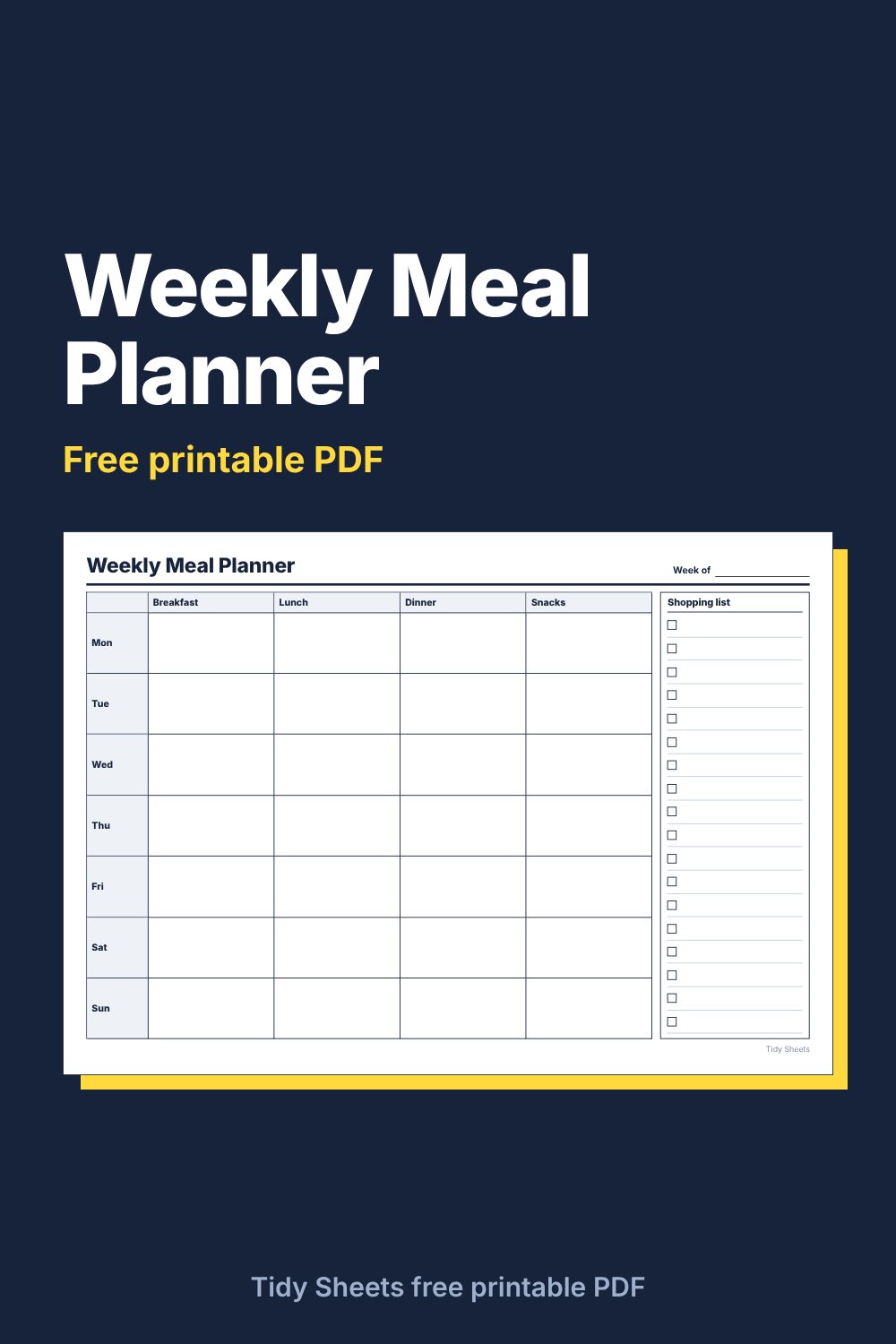
- Write fixed commitments first (work shifts, school runs, appointments), then fit tasks around them.
- Use the Notes box for things that do not have a day yet, then move them into a day box when you decide.
- Print a stack of four at the start of the month so the next weeks are ready.
- Pencil works well if your plans change often.
Questions
Can I type in the planner before printing?
Yes. Click the lines next to Week of and Focus on the preview and type. Everything else is left blank for handwriting.
Does it print on A4 and Letter?
Yes. Pick your paper size above the preview. The page is set to landscape.
Can I use it for a business or class?
You can print as many copies as you need for personal, classroom or office use. Please do not resell the sheets.