How to use the grocery list by aisle
- Write the list at home, not in the shop. Check your fridge and cupboards first.
- Group items by category so you walk the shop once.
- Set a budget at the top and stop when the running total reaches it.
- Keep a spare copy in the car or by the door so you never leave it behind.
Questions
Can I rename the categories?
Print the page, then cross out a heading and write your own. The boxes are the same size.
How many items fit?
Nine per category, 54 in total.
Does it work with a meal plan?
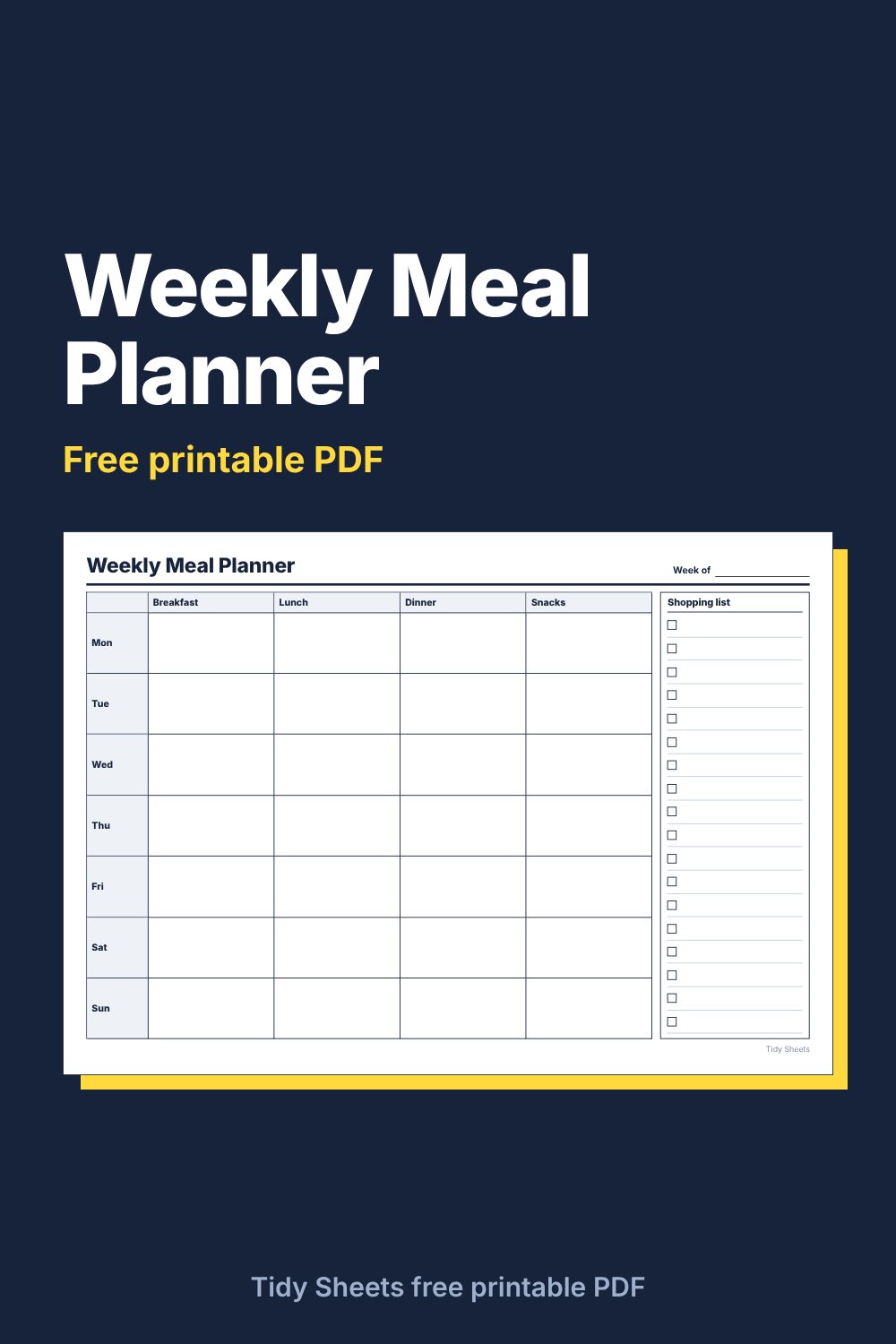
Yes. Plan meals with the Weekly Meal Planner, then copy the ingredients into this list.